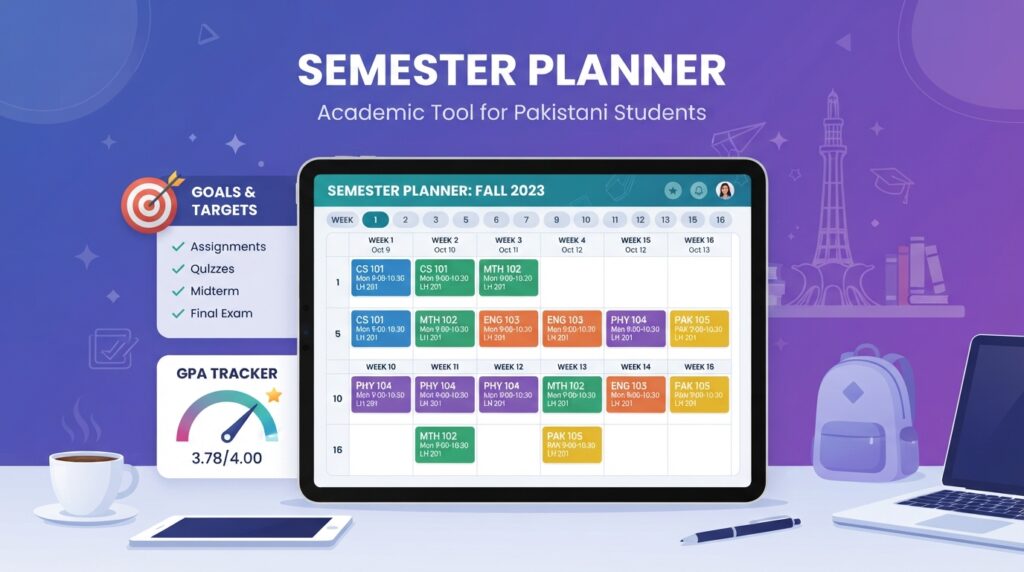
This Semester Planner lets you map out next semester’s courses before you register, set a realistic target grade for each one, and see exactly how it would move your CGPA, plus a check on whether your course load is light, typical, or heavy for a standard Pakistani university semester.
Semester Planner
Plan next semester’s courses, set a target grade for each, and see your projected semester GPA and new CGPA before you register.
| Course | Credits | Target Grade |
|---|
How to Use This Semester Planner
Add each course you’re planning to take, along with its credit hours and the grade you’re realistically aiming for, not your best-case dream grade, your honest target given your schedule and workload. Add your current CGPA and completed credit hours if you want to see the projected effect on your overall CGPA, not just this semester’s GPA.
This same credit-weighted approach mirrors the grading framework used across universities regulated by Pakistan’s Higher Education Commission (HEC), so the projection lines up with how your official semester GPA will actually be calculated.
Why Plan Before You Register, Not After
Once you’re locked into a semester’s course load, your options are limited: drop a course late and you may lose a tuition refund window or fall below full-time status. Running the numbers on this Semester Planner before registration lets you catch a genuinely overloaded semester, or an unrealistic GPA target, while you can still adjust your course selection.
A Realistic Way to Set Target Grades
If you’re unsure what grade to target for a course, look at your performance in similar past courses rather than assuming a fresh A. A heavier course, like a lab-based science course or a subject outside your usual strengths, is often more realistic at a B or B+ target than an A, especially if you’re also carrying a full course load elsewhere.
Frequently Asked Questions
How many credit hours count as a full-time course load?
Most Pakistani universities treat 12-18 credit hours per semester as the standard full-time range, with 15-16 being typical. Going below 12 can affect your enrollment status or scholarship eligibility, so confirm with your department if you’re planning a lighter semester.
Can I plan more than one semester ahead?
Yes. Calculate one semester, save it if you’re logged in, then run the Semester Planner again with updated credit hours completed and current CGPA figures for the next term.
Does this account for repeated or failed courses?
Not directly. This planner assumes new courses. If you’re repeating a failed course, check with your department on how the repeat is calculated into your CGPA, since some universities replace the old grade and others average both attempts.
What should I do if this Semester Planner shows an impossible course load?
If the Semester Planner flags a heavy overload, the safest fix is usually to drop your least essential course before the registration deadline rather than trying to power through all of them at full target grades. A realistic 15-credit semester with strong grades across the board almost always beats a 24-credit semester where quality slips everywhere. If you are close to graduation and need the extra credits, talk to your academic advisor about whether a summer semester could absorb one of the courses instead of stacking everything into one heavy term.
Related Tools
- Target GPA Calculator — find the GPA you need for a specific CGPA goal
- Scholarship Eligibility Checker — see which HEC and merit scholarships are worth exploring
- PU CGPA Calculator
- UAF CGPA Calculator
- COMSATS CGPA Calculator
- NUST CGPA Calculator
- CGPA Predictor — project your final graduating CGPA
- Credit Hour Calculator — see how many credit hours and semesters you have left
- Grade Calculator — combine quizzes, midterm, and final into one course grade
- Study Planner — build a realistic daily study schedule